

This article is for content creators, small business owners, marketers, and everyday users who want to edit photos quickly without learning professional design software. If you need to remove backgrounds, sharpen images, or polish product photos for social media, a website, or a presentation, this guide will help you identify the right online tool for your needs. You will walk away knowing what features to look for, how different tool types compare, and which options are most worth your time. No design experience is required to use any of the tools discussed here.
Why Online Photo Editing Tools Have Replaced Desktop Software for Everyday Use
Not long ago, tasks like removing a background from a product photo or improving a low-light image required expensive desktop software and hours of practice. That has changed dramatically. A new generation of browser-based tools now handles these edits in seconds using artificial intelligence, and many of them are either free or available at low monthly costs.
The demand for this category has grown because more people are creating visual content than ever before. A freelancer needs a clean headshot. An online seller needs a consistent white-background product image. A social media manager needs to turn a raw photo into a polished graphic before noon. These use cases do not require Photoshop. They require speed, accuracy, and a simple interface that gets out of the way.
The challenge is that the market is now crowded with options, and they are not all equal. Some tools excel at background removal but offer weak enhancement features. Others have powerful editing capabilities but are too complex for a casual user. Knowing how to evaluate these tools before you commit to one will save you both time and frustration.
What to Look for When Evaluating an Online Photo Editing Tool
Before selecting a platform, it helps to evaluate every option against the same set of criteria. The following eight factors cover the most important dimensions of any online photo editing tool:
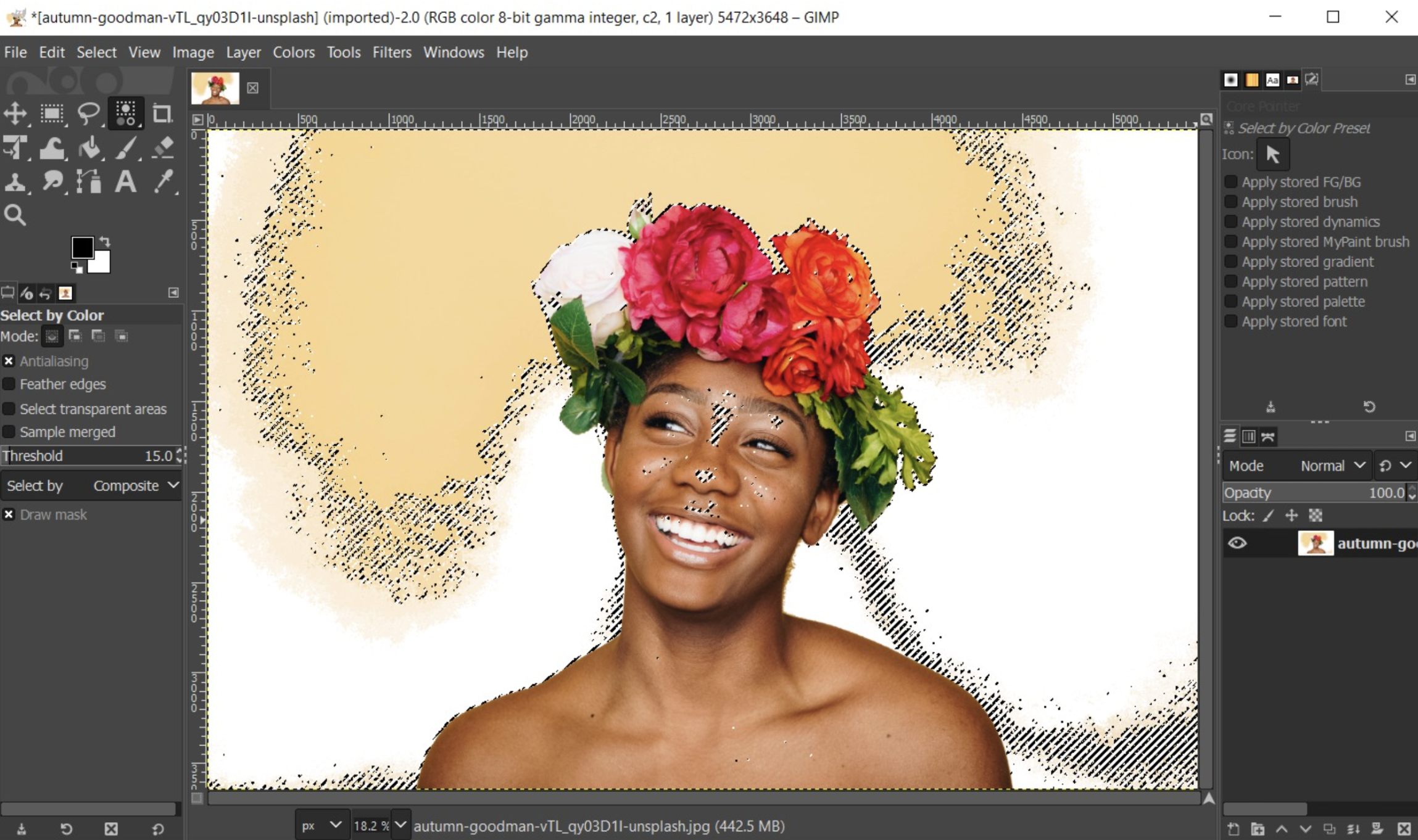
1. Background Removal Accuracy This is the most in-demand single feature in this category. A strong tool should detect the edges of your subject cleanly, even around complex areas like hair, fur, or fabric fringes. Look for tools that allow manual refinement after the automatic pass so you can fix any errors without starting over.
2. Image Enhancement Quality Beyond background removal, an effective tool should be able to improve the underlying quality of a photo. This includes adjusting brightness, contrast, sharpness, and color saturation. AI-powered auto-enhance features are a major time-saver, applying corrections in a single click rather than requiring you to adjust individual sliders manually.
3. Ease of Use for Non-Designers The interface should be intuitive enough that a first-time user can complete basic edits within minutes. Tools that bury important features behind confusing menus, require multiple steps for simple tasks, or use jargon-heavy labels are a poor fit for most everyday users.
4. Speed of Processing For users who edit frequently or in volume, processing time matters. The best tools return a finished edit in seconds, not minutes. Slow processing is particularly frustrating when you are working through a batch of product images or need to prepare a photo for a post that goes live in an hour.
5. Output File Quality Editing a photo should not degrade it. Look for tools that output at the original resolution or higher, and that support transparent PNG exports for background-removed images. Tools that compress your image noticeably during download are a poor choice for professional or print use cases.
6. Free vs. Paid Access Many tools offer a free tier with limitations such as watermarked downloads, reduced resolution, or a cap on the number of edits per month. Evaluate whether the free plan genuinely meets your needs or if the most useful features are locked behind a paywall. Some tools offer a one-time payment model, while others require a monthly subscription.
7. Mobile Accessibility If you edit photos on a smartphone or tablet, the tool needs to work well on a mobile browser or offer a dedicated app. A responsive interface that functions as well on a phone as it does on a desktop is a significant advantage for users who create content on the go.
8. Integration with Broader Design Workflows Some tools are standalone, meaning you remove a background or enhance a photo and then download the result. Others integrate directly into a larger design workspace, letting you place your edited image into a social post, flyer, or presentation without switching apps. If you regularly produce finished graphics rather than just edited photos, this kind of integration can save considerable time.
Types of Tools Available and How They Compare
Online photo editing tools generally fall into three categories: single-function tools, multi-feature editors, and full creative platforms. Each has tradeoffs worth understanding.
Single-Function Tools These platforms do one thing well, usually background removal. They are fast, require no learning curve, and produce reliable results for simple tasks. The downside is that they stop at the edit. Once the background is removed, you have to take that image somewhere else to use it in a design. For users with a specific, repetitive need, this streamlined approach is a strength. For users who want to go from raw photo to finished graphic in one place, it is a limitation.
Multi-Feature Online Editors These tools combine background removal with a broader set of photo enhancement tools, including filters, color correction, sharpening, cropping, and resizing. They sit in the middle of the market in terms of complexity and capability. They are more powerful than single-function tools but do not require the expertise that professional-grade desktop software demands. This category is a strong fit for users who want a flexible, all-in-one editing experience without subscribing to a large creative platform.
Full Creative Platforms with Photo Editing Features Some tools position photo editing as one feature within a larger suite that includes templates, brand assets, social media formatting, and generative AI. These platforms are designed for users who want to go from photo to polished, publish-ready content in a single session. The tradeoff is that they tend to have more to learn upfront, and some of the more powerful features may require a paid plan or the use of AI credits.
A Closer Look at Adobe Express as One Strong Option
Adobe Express is worth considering if you want background removal and image enhancement to feed directly into a broader content creation workflow. The platform sits in the full creative platform category, but it maintains a beginner-friendly interface that does not feel overwhelming on first use.
The image quality enhancer in Adobe Express stands out for three specific reasons. First, it combines AI-powered auto-enhancement with manual controls, so you can let the tool make smart corrections automatically and then refine specific elements like sharpness, contrast, or saturation using simple sliders. This two-step approach gives you both speed and control without requiring design expertise.
Second, the background removal tool is integrated into the same workspace as the rest of the editor. After removing a background, you can immediately drop the cutout into a template, add a new background from the Adobe Stock library, or export the transparent PNG. There is no need to download the file and re-upload it somewhere else.
Third, Adobe Express includes Firefly-powered generative tools that allow you to insert objects into a photo or remove distracting elements like unwanted items or photobombers. This goes beyond what most background-only tools offer, making it useful for product photography cleanup as well as creative composition. The platform is available on desktop and mobile, with a free plan that includes core features and limited generative AI credits.
Adobe Express is not the only strong option in this space, but it is a particularly well-rounded one for users who need fast edits and a clear path from enhanced photo to finished design asset.
Tips for Getting the Best Results from Any Online Photo Editing Tool
Regardless of which platform you choose, these practices will consistently improve your output:
- Start with the highest resolution version of your photo. AI enhancement tools work with the data they are given. A blurry, compressed image will yield a blurry, compressed result. Always upload the original file if you have it.
- Choose photos with clear subject-background contrast for background removal. AI tools struggle most with images where the subject blends into the background in color or tone. A person in a white shirt against a white wall is harder to process than a person against a green outdoor scene.
- Use manual refinement tools when the auto pass misses fine edges. Most tools offer a brush or eraser to fix areas the AI did not handle well. Spending 30 extra seconds on edge cleanup can significantly improve the final result.
- Adjust brightness and contrast before applying sharpening. Sharpening a dark or washed-out photo amplifies the problem rather than fixing it. Get the overall exposure right first, then add sharpness.
- Export as PNG when transparency matters. If you are placing a cutout image onto a different background, always export as PNG. JPEG does not support transparency and will fill the background area with white.
- Check the output at full resolution before finalizing. Many tools display a compressed preview in the browser. Download the file and inspect it at 100% zoom before using it in a project.
- Test the free tier before committing to a paid plan. Most tools allow you to run a few edits without creating an account. Use that window to evaluate the actual output quality, not just the marketing claims.
- Consider how often you will use the tool. If you edit photos daily, a paid subscription with unlimited exports and full resolution is worth the cost. If you edit once a month, a free plan or a pay-per-use tool may be more practical.
Frequently Asked Questions
What is the difference between background removal and background replacement, and do I need both?
Background removal is the process of separating the subject of a photo from its original background, leaving a transparent area behind it. Background replacement adds a new image, color, or pattern to fill that transparent space. Whether you need both depends on your end use. If you are creating product listings for an e-commerce site with a standard white background, removal alone may be sufficient. If you are designing social media content where the background is part of the visual storytelling, replacement becomes essential. Many tools offer both features, but some charge separately for the replacement capability or require it to be done in a different part of the interface.
How accurate is AI background removal, and when does it fail?
AI background removal has become remarkably accurate for straightforward subjects, including people, animals, and objects with defined edges. It tends to struggle with subjects that have fine details like hair, translucent materials like glass, or edges that closely match the background in color. Most high-quality tools have a manual refinement option to address these cases, but results will never be perfect on every image. For professional product photography or portrait work, it is worth reviewing every export closely before publishing.
Are free online photo editing tools safe to use with personal or business photos?
This is a valid concern, particularly if you are uploading images that contain sensitive information or recognizable people. Before using any tool, review its privacy policy to understand how uploaded images are stored, processed, and whether they are used to train AI models. Many reputable platforms process images temporarily and delete them shortly after download. For added security, you can use tools that offer local or offline processing. For general business use, platforms from established companies with transparent data practices are the safest choice. For a comprehensive look at data privacy considerations when using AI tools, the International Association of Privacy Professionals maintains useful resources.
What file formats should I expect to work with, and does format affect quality?
Most online tools accept JPEG, PNG, and WebP files, and some also accept HEIC or TIFF. The format you upload does not affect the AI’s ability to process the image, but it does affect the starting quality. JPEG files use lossy compression, meaning repeated saving and re-uploading degrades quality over time. PNG files are lossless, making them better for images that will go through multiple rounds of editing. For the best output, upload a PNG or the highest-quality JPEG you have, and export the final result as a PNG if the image needs to remain editable or includes transparency.
How do I know if an online photo editing tool is worth paying for?
The clearest signal is whether the free plan’s output quality and export limitations actually match your workflow. If the free version adds a watermark, caps resolution, or limits the number of exports per month in a way that disrupts your process, the paid tier is likely worth evaluating. Compare the monthly cost against the time it saves you. A tool that turns a 20-minute editing task into a 2-minute one has real value, especially if you repeat that task regularly. Many tools offer a free trial of their paid plan, which is the most reliable way to assess whether the additional features justify the cost before you commit.
Conclusion
Online tools for background removal and photo enhancement have reached a level of quality and accessibility that makes them a practical choice for nearly any use case, from casual social media content to professional product photography. The key is matching the right tool to your specific needs rather than defaulting to whichever option appears first in a search result.
When evaluating your options, focus on the eight criteria outlined in this article: accuracy, enhancement quality, ease of use, processing speed, output resolution, pricing structure, mobile access, and workflow integration. Tools like Adobe Express offer a compelling combination of these features in a single platform, but the best tool is ultimately the one that fits how you actually work. Start with a free plan, test the output on real images, and pay only when the features genuinely earn their cost.
